A planner for you
Fewer lists.
Fewer lists.
A calmer day.
Willow helps plan your day and keep track of tasks exactly how you want to see them.


1
Plan
Planner mode lets you choose which tasks to focus on today, tomorrow, and for the rest of the week.
2
Do
Add tasks to your timeline to get a visual view of your day or lock into a specific task using focus mode.
3
Review
Review your day and identify patterns that will help plan future weeks.
One list, three views
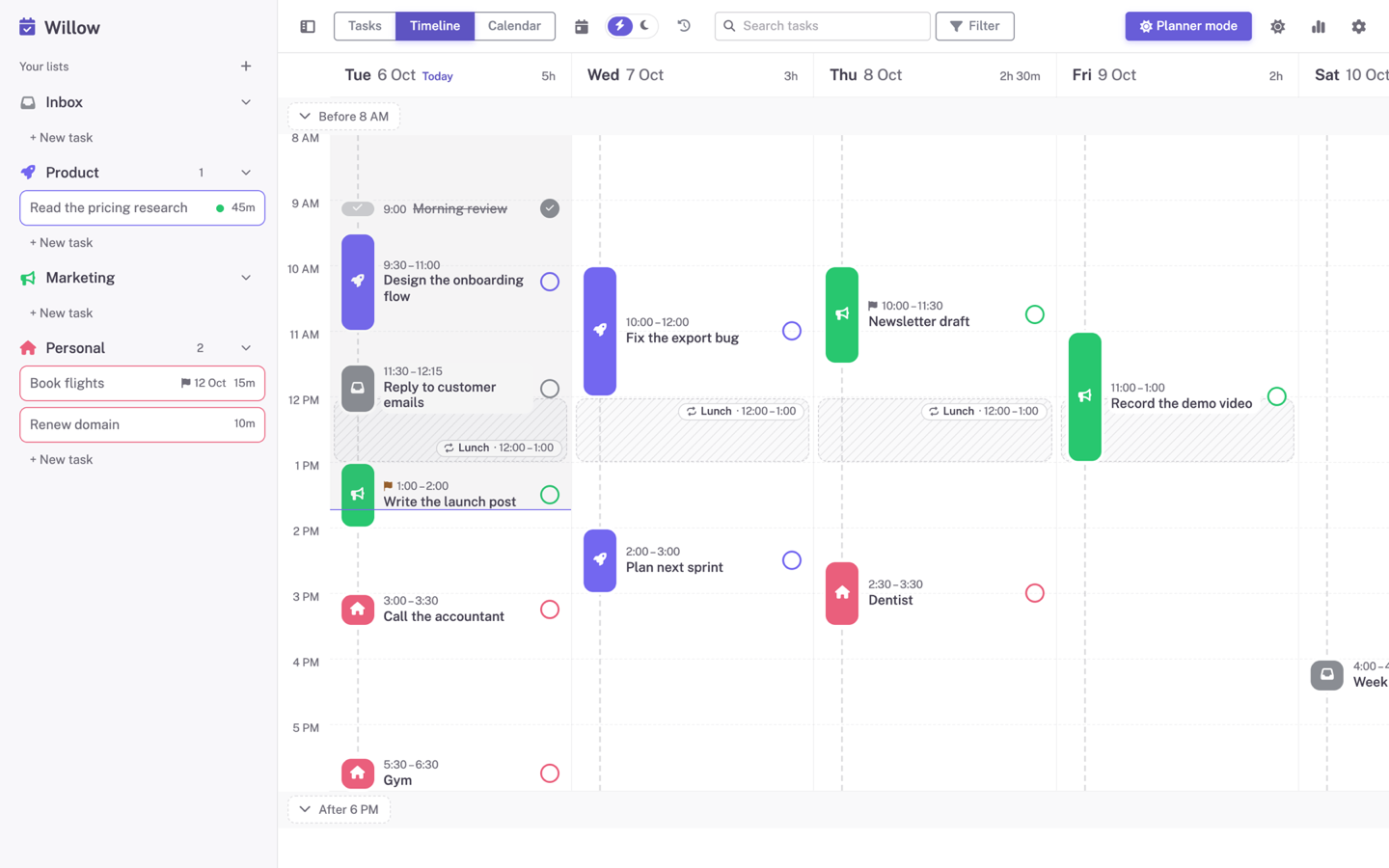
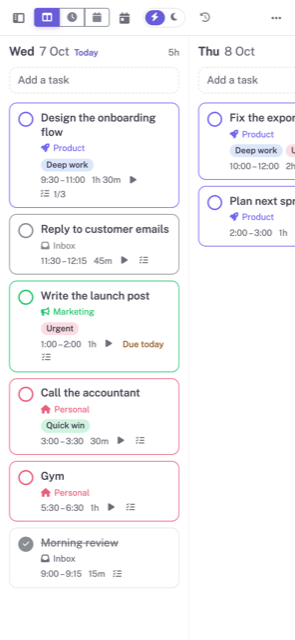
Tasks as a week of columns. The Timeline by the hour. The Calendar by the month. They're the same tasks, so nothing is ever in two places.
Tasks
Drag between days and lists.
Timeline
Drag to a time, resize to an estimate.
Calendar
The month, with a week view.


Focus when it's time to work
A full screen with one task, a stopwatch, or a Pomodoro timer.
"Tracked 1h 10m of 1h 30m." That's the whole interface.
Yours, just the way you like it
Willow follows your device theme (light or dark) with multiple design options.
Purple
Teal
Amber
Pink
Blue
Create an account